Find and update samples
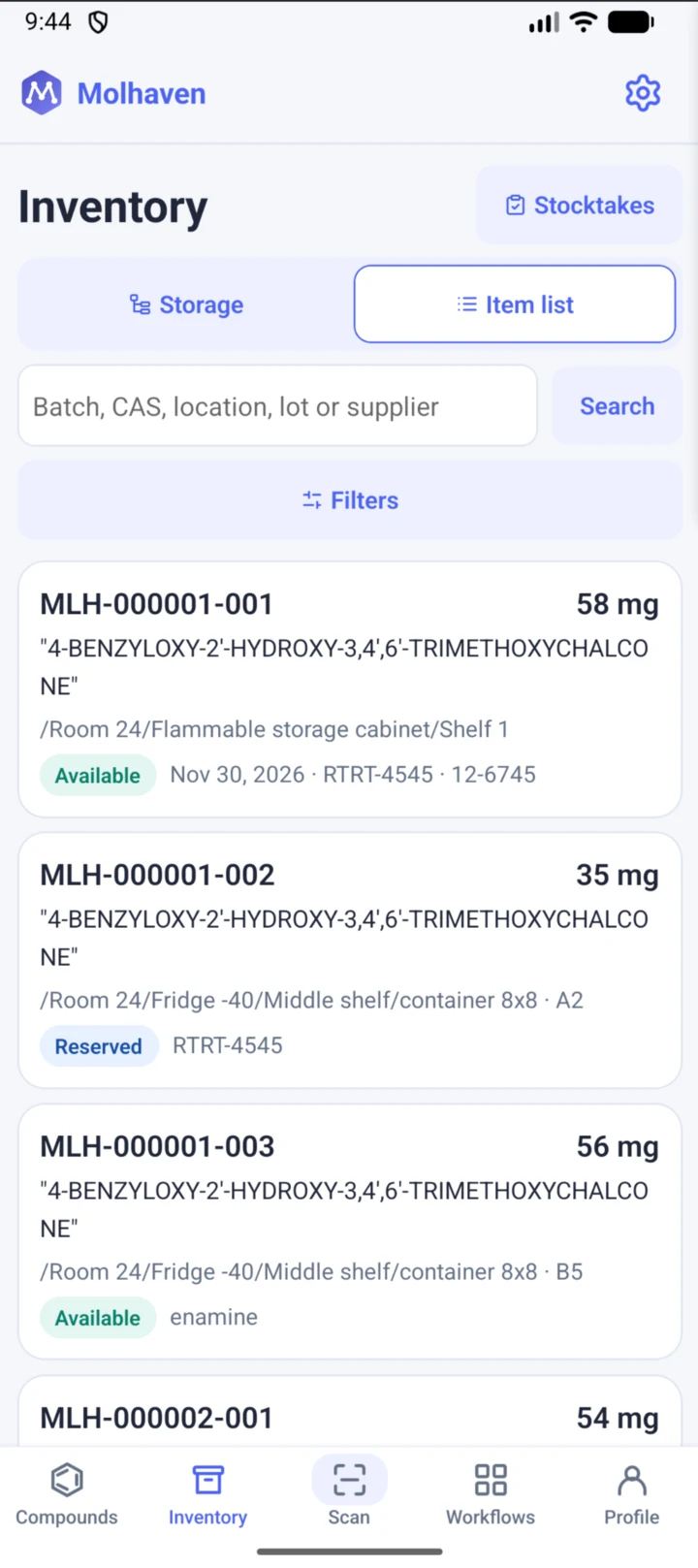
Search by batch number, CAS number, location, lot or supplier. Open an item to record consumption, a move, a quantity adjustment or disposal.
 Molhaven
 Mobile for Android
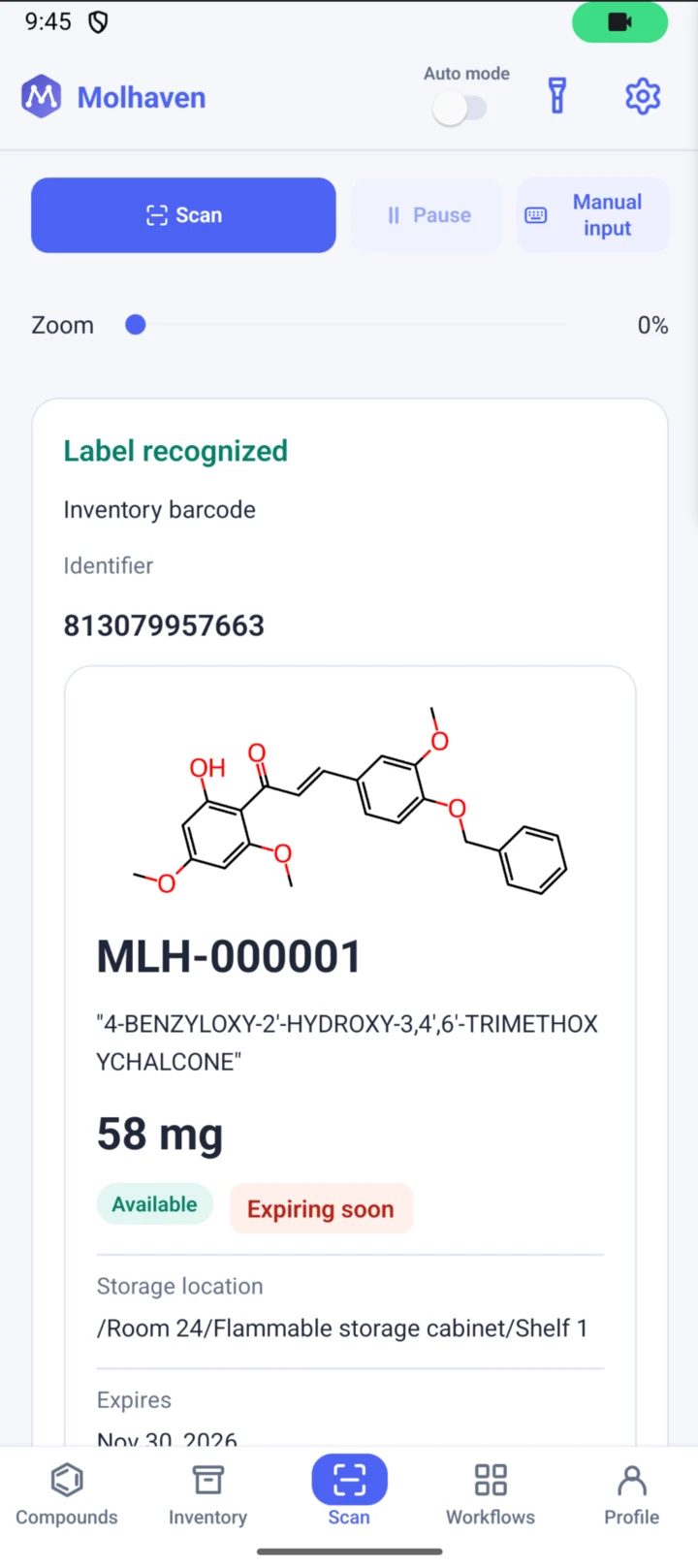
Scan a barcode or QR label to open the exact sample in your lab’s inventory. Check how much is left, where it’s stored and when it expires. Record what you use while you’re at the bench.
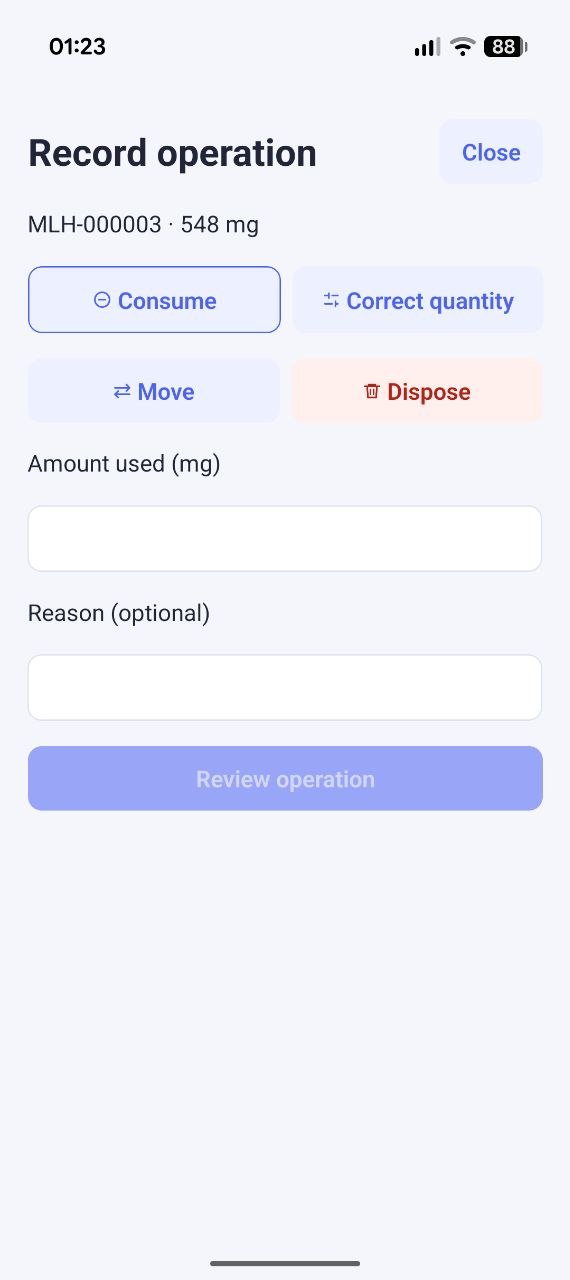
Search by batch number, CAS number, location, lot or supplier. Open an item to record consumption, a move, a quantity adjustment or disposal.
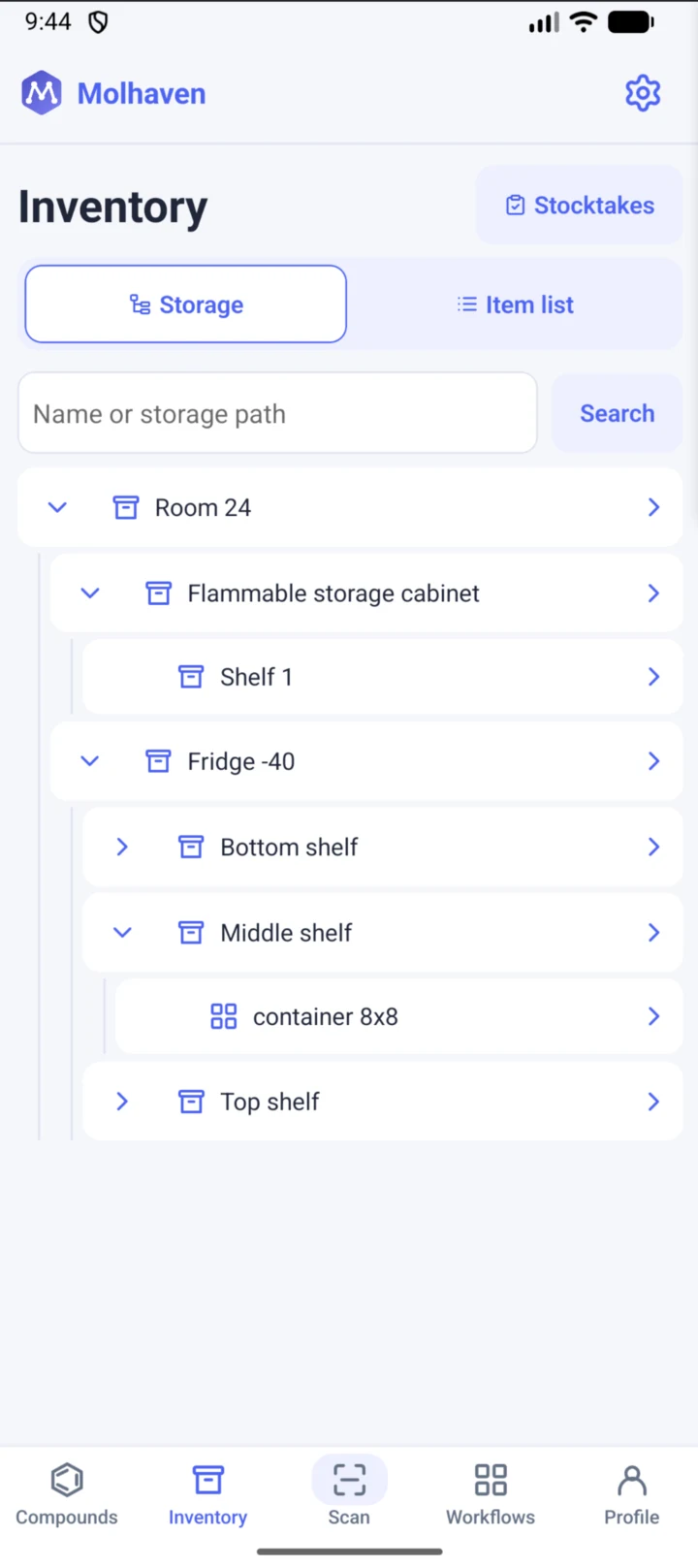
Switch from the item list to a storage view. Open a room, cabinet, freezer or shelf to see what’s there, down to an individual box cell.
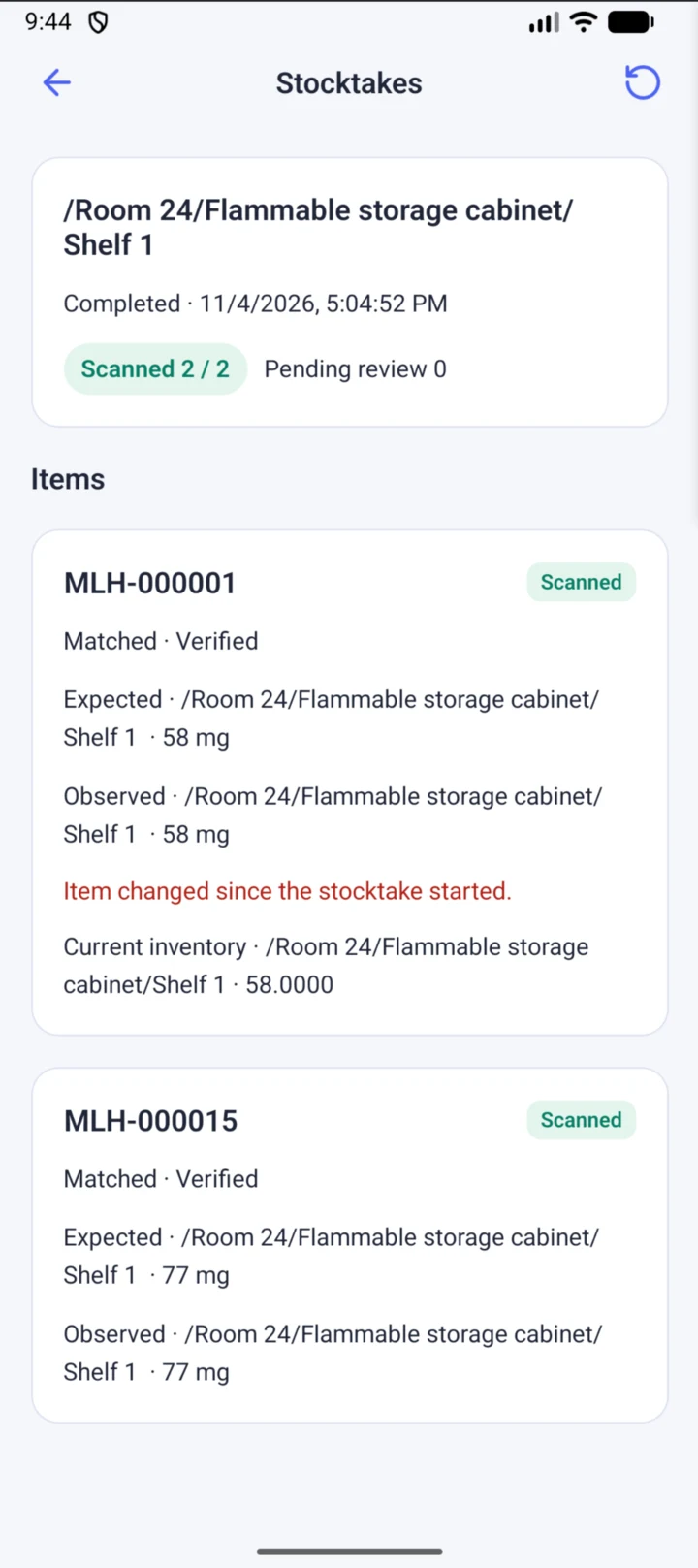
Choose a storage location or box cell and scan samples one at a time. Compare recorded and observed quantities and review any discrepancies.
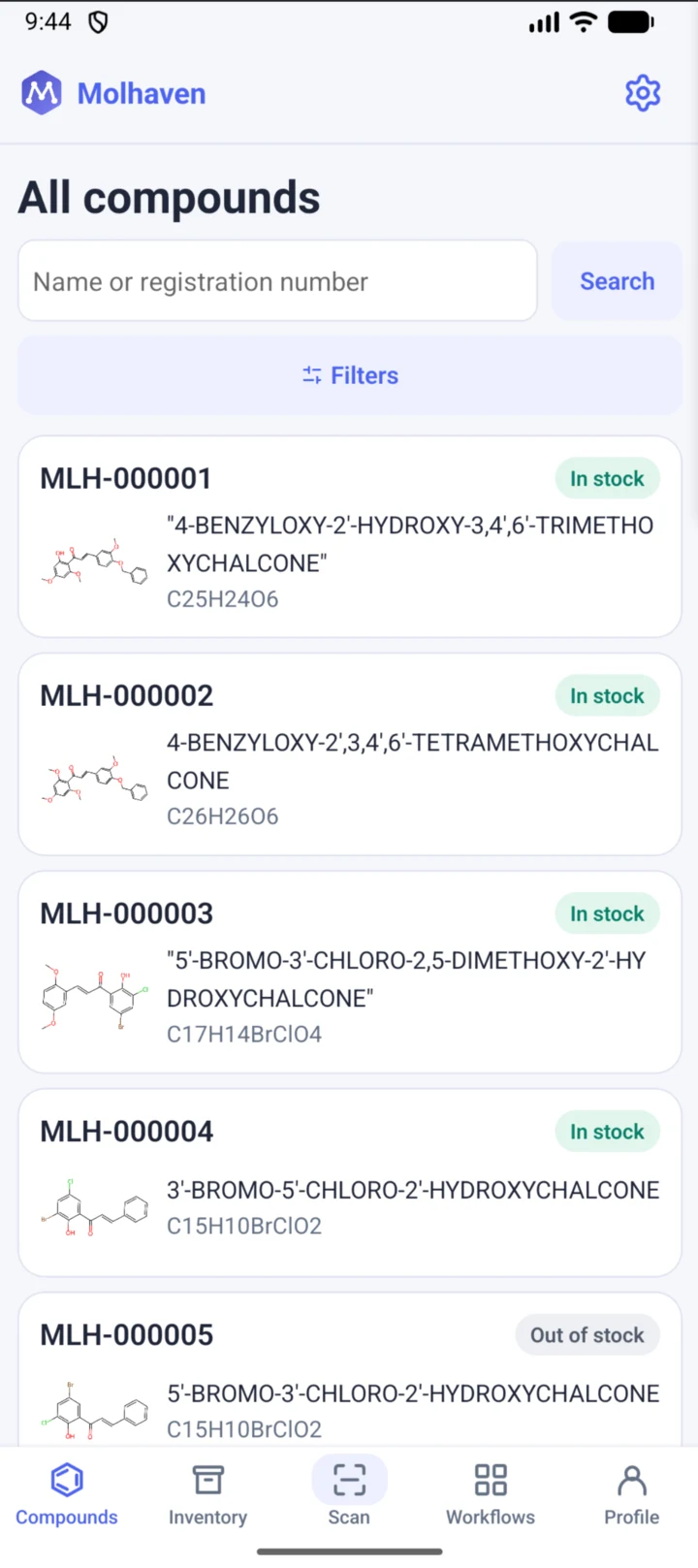
Search by name or registration number. See its chemical structure, check whether it’s in stock and open the compound record.
Sign in to access the same laboratory, samples and storage locations as in the web app. Your lab permissions also apply on mobile.